
Shutting Down Ubuntu from the Command Line
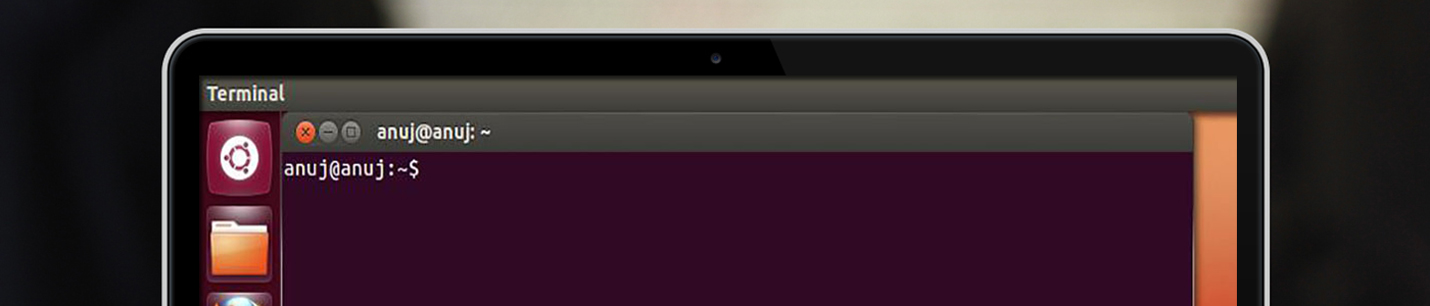
you can immediately shut down your system by using the shutdown command like this: $ sudo shutdown -h now You can also use the shutdown command to restart your computer, as follows: $ sudo shutdown -r now