Finding Software in Ubuntu 12.04 from the command line
ubuntero_search

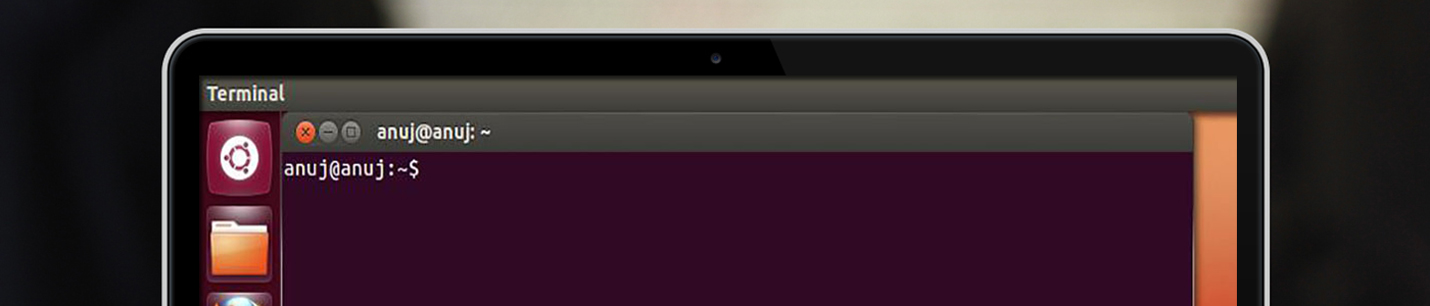
With so many packages available, it can be hard to find the exact thing you need using command-line APT. The general search tool is called apt-cache and is used like this: djx@ubuntu:~$ apt-cache search kde Depending on which repositories you have enabled, that tool returns about a thousand packages. Many of those results will not … Read more

Limit Permissions with sudo

sudo_ubuntero

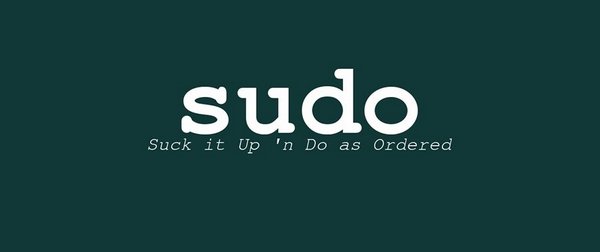
Leverage Ubuntu’s default sudo installation to allow fine-grained control over privileged access. If you have used a number of different Linux distributions in the past, one surprising thing you’ll notice the first time you use Ubuntu is that it disables the root account. For most other distributions, the installer prompts you for root’s password, and … Read more

Choosing an Email Client: Evolution

evolution_email_ubuntero

Up until Ubuntu 11.10, Evolution was the standard email client in Ubuntu, although to call it simply an email client is to sincerely underrate its usefulness as an application. Not only does it handle email, but it can also look after contacts and calendars and help you manage your tasks. With Evolution, you can handle … Read more

Unity Power Shortcuts

ubuntero_power_shortcuts

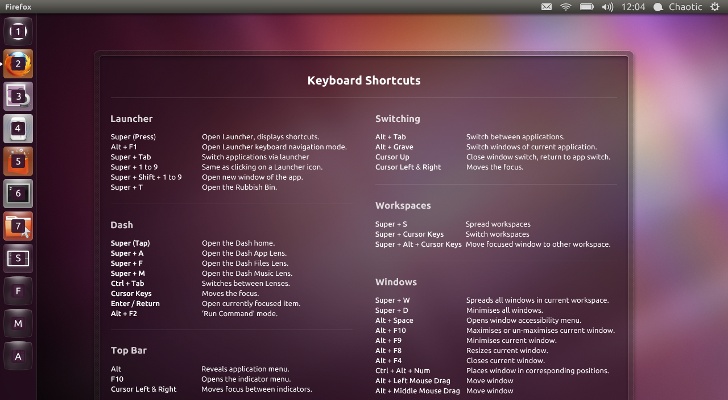
Often, power users want to avoid using the mouse. They don’t want to take their hands off of the keyboard unless absolutely necessary because doing so slows them down. Here are some of the more useful keyboard shortcuts that readers of this book are likely to appreciate, many of which can be configured or adjusted … Read more

QRENCODE the QR creation software for UBUNTU

ubuntero_qr

QR code creation in Ubuntu is very simple. For this we have to install the app ‘qrencode’ which you can install from the software center or just opening your terminal and typing: $ sudo apt-get install qrencode After installation you can create QR codes with the command line using the following structure: $ qrencode-o [AnyNameForYourQRcode.png] … Read more

Installing a Canon MP-190 in Ubuntu Natty

Ubuntu_Canon_Pixma_Mp190_Drivers

Among the most important things when working on Ubuntu is that your printer should work correctly, and I have always used Canon printers since they are cheap, you get pretty amazing prints and ink cartridges are very easy to refill. On this occasion We will install a Canon MP-190 Multifunctional Printer and install the  necessary … Read more

3 Simple Partitions to use when installing Ubuntu

DiscoDuro_Ubuntu

We recommend 3 simple partitions to setup when installing Ubuntu for the first time Swap Partition Root Partition Home Partition home partition where data for each user on the system will be stored. The Swap Partition The swap partition is used for times when there is not enough memory for running processes, so stored information … Read more

How to install Ubuntu

First place the DVD into your dvd drive and restart your pc. The preliminary display provides a wide range of different languages for you to use during the set up and two alternatives: Try Ubuntu: By running Ubuntu from the DVD without making any changes to your pc so that when you eliminate the DVD … Read more

Natty Narwhal no es lo único nuevo este día

Además del lanzamiento oficial de Ubuntu 11.04 Natty Narwhal, este día Ubuntu estrena Sitio Web, y uno totalmente rediseñado para facilitar la experiencia del usuario. Como lo menciona el blog de Canonical: Secciones han sido unificadas como Desktop y Netbook ahora se juntan en una nueva UBUNTU, además de crear combinaciones de colores para facilitar … Read more