Finding Software in Ubuntu 12.04 from the command line
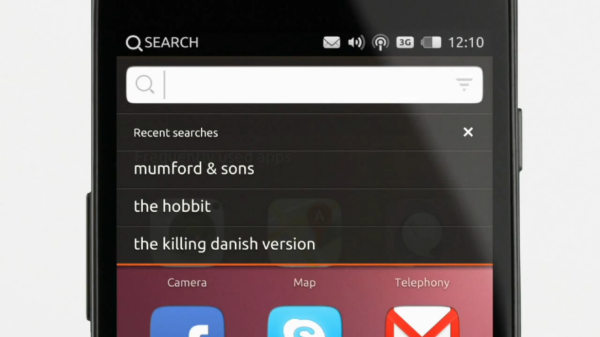
ubuntero_search

With so many packages available, it can be hard to find the exact thing you need using command-line APT. The general search tool is called apt-cache and is used like this: djx@ubuntu:~$ apt-cache search kde Depending on which repositories you have enabled, that tool returns about a thousand packages. Many of those results will not … Read more
Using Synaptic for Software Management in Ubuntu 12.04

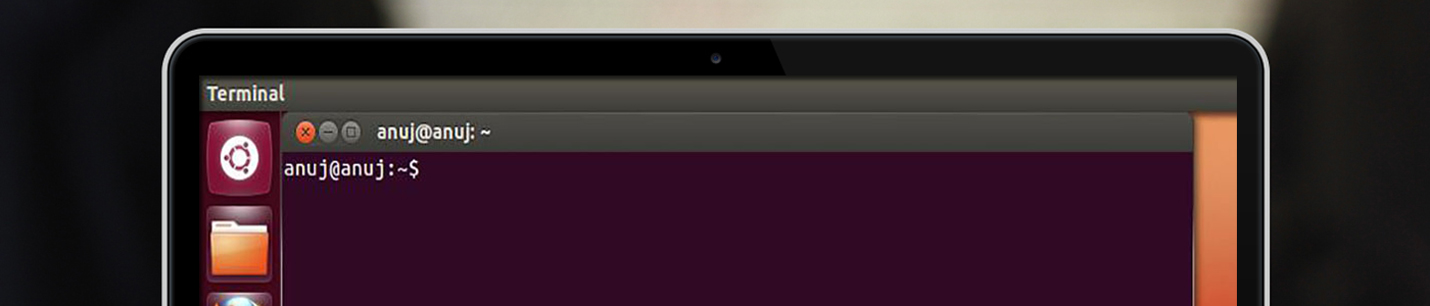
ubuntu_commandline_ubuntero

The Add/Remove Applications dialog works just fine for adding applications, but if you need to install something very specific—such as a library—or if you want to reconfigure your installation system, you need to use Synaptic. You can install Synaptic using the Ubuntu Software Center described earlier; it is not installed by default. At first glance, … Read more

Understanding the Ubuntu Linux File System Hierarchy

ubuntu_hierarchy

Linux has inherited from UNIX a well-planned hierarchy for organizing where things may be found. It isn’t perfect, but it is generally logical and mostly consistent, although distributions do tend to make some modifications that force some thinking and adaptation when moving between, say, Fedora, Slackware, and Ubuntu. The following table shows some of the … Read more

Install Ubuntu Restricted Extras

Ubuntero_Unity_ubuntu_restricted_extras

Ubuntu Restricted Extras is probably the first package you should install in Ubuntu. You will soon notice that a lot of things do not work after your first run. You cannot listen to MP3 files or watch many movies; even DVDs. Browsing the web means doing so without Flash and Java, and certain websites don’t … Read more

Understanding the Ubuntu desktop in Unity

Ubuntero_Unity

Understanding the Ubuntu desktop Initially, you may notice many similarities between Ubuntu and other operating systems such as Microsoft Windows or Mac os x. This is because they are all based on the concept of a [tooltip text=”GUI”]graphical user interface[/tooltip], meaning that you use your mouse to navigate the desktop, open applications, move files, and … Read more

3 Simple Partitions to use when installing Ubuntu

DiscoDuro_Ubuntu

We recommend 3 simple partitions to setup when installing Ubuntu for the first time Swap Partition Root Partition Home Partition home partition where data for each user on the system will be stored. The Swap Partition The swap partition is used for times when there is not enough memory for running processes, so stored information … Read more

How to install Ubuntu

First place the DVD into your dvd drive and restart your pc. The preliminary display provides a wide range of different languages for you to use during the set up and two alternatives: Try Ubuntu: By running Ubuntu from the DVD without making any changes to your pc so that when you eliminate the DVD … Read more

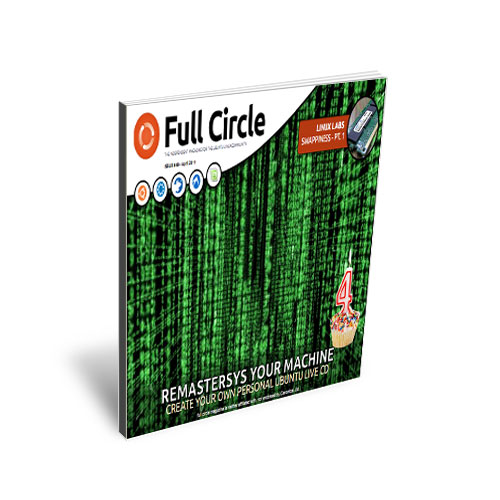
Full Circle la revista gratis para la comunidad de UBUNTEROS

Full Circle es una revista totalmente gratis e independiente dedicada exclusivamente para la comunidad de Ubunteros. Es publicada cada mes y contiene artículos de ayuda, tutoriales y historias de sus lectores. Full Circle también lanza un podcast junto a cada edición de la revista en donde toca temas de interés además de su contenido en … Read more