
Shutting Down Ubuntu from the Command Line
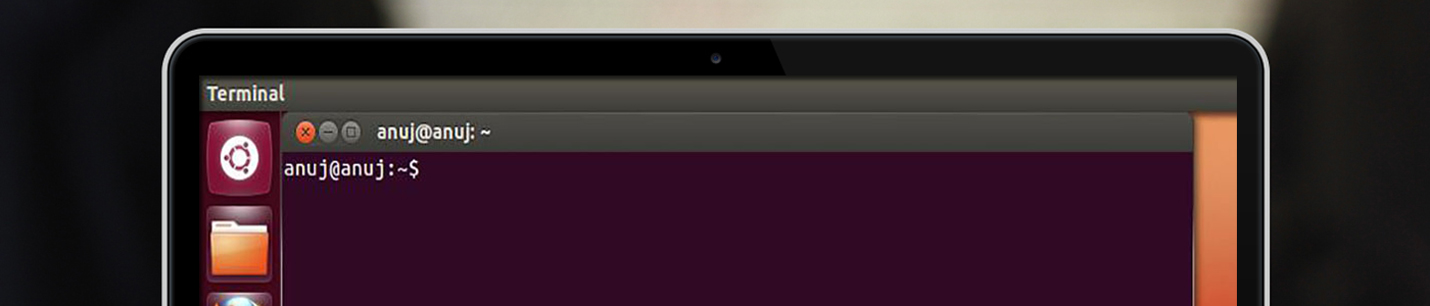
you can immediately shut down your system by using the shutdown command like this: $ sudo shutdown -h now You can also use the shutdown command to restart your computer, as follows: $ sudo shutdown -r now
We recommend 3 simple partitions to setup when installing Ubuntu for the first time Swap Partition Root Partition Home Partition home partition where data for each user on the system will be stored. The Swap Partition The swap partition is used for times when there is not enough memory for running processes, so stored information … Read more
Además del lanzamiento oficial de Ubuntu 11.04 Natty Narwhal, este día Ubuntu estrena Sitio Web, y uno totalmente rediseñado para facilitar la experiencia del usuario. Como lo menciona el blog de Canonical: Secciones han sido unificadas como Desktop y Netbook ahora se juntan en una nueva UBUNTU, además de crear combinaciones de colores para facilitar … Read more